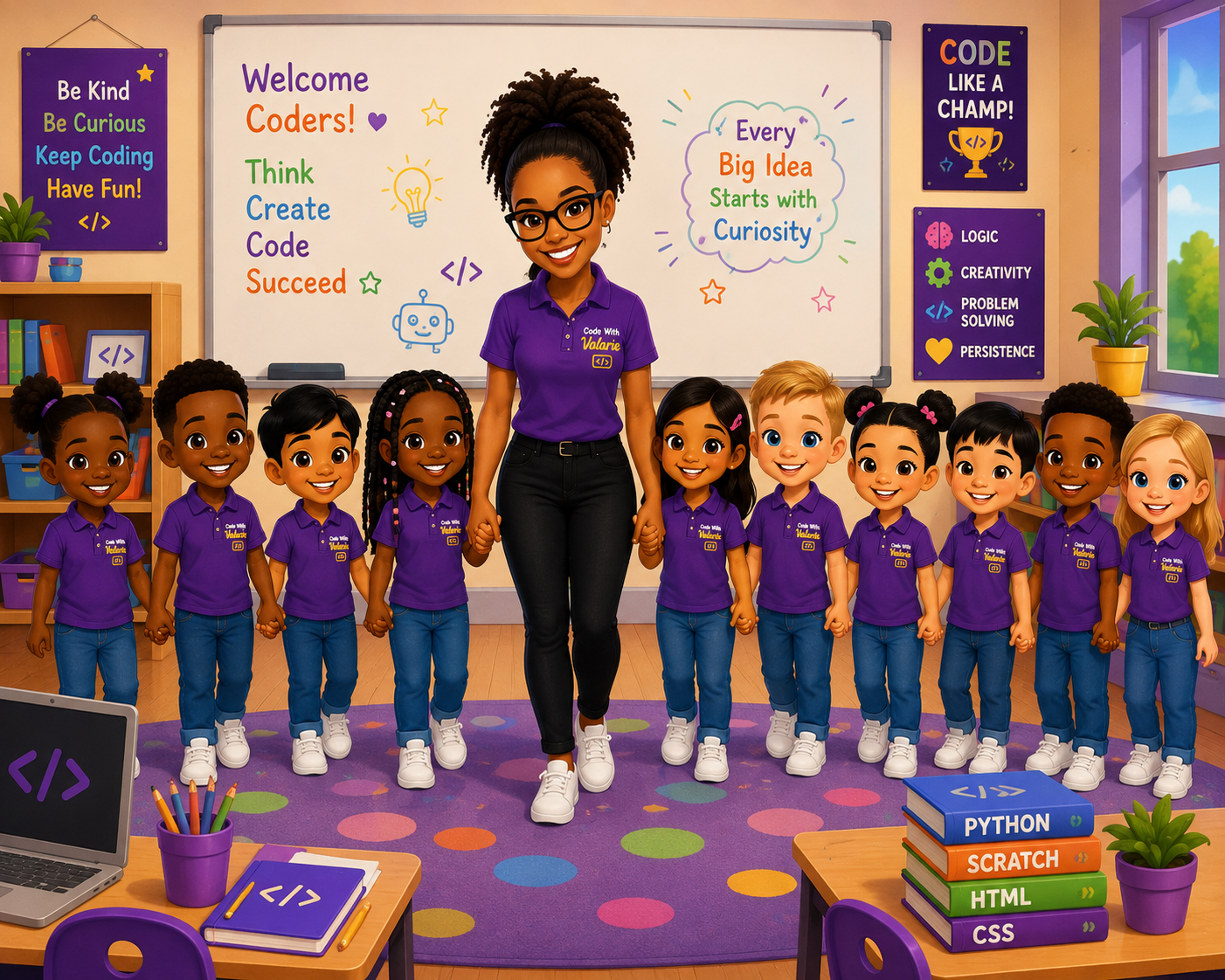
Welcome To Code With Valarie
Turning Screen Time Into Skill Time
I teach kids age 7 and up to code through play — building real confidence along the way, one project at a time. Whether your child's imagination is set on creating their own game or launching their first website, my lessons keep things hands-on, easy to grasp, and always fun. There's no coding background required — just a curious mind ready to explore.
Every lesson is built around one big idea: let kids create something real. Instead of worksheets and theory, they learn by building — games, stories, websites, and everything in between — while quietly picking up logical thinking, problem-solving, and the confidence that comes from watching their own idea come to life on screen. Here's just a taste of what they get to build along the way:
Explore What Kids CreateGames • Stories • Websites • More →Classes are kept small so every child gets the attention they deserve. My teaching style is friendly, patient, and always beginner-friendly — there's no such thing as a silly question here. Lessons happen in a safe online environment, and parents receive regular updates so you're never left wondering how your child is getting on. The goal isn't just to teach code; it's to help children grow in creativity and confidence with every session.
I believe coding should be accessible to every child. My mission is to empower young learners across Africa and beyond with skills that spark creativity, open doors, and change how they see the world around them. Because coding isn't really just about computers — it's about learning to think, to solve problems, and to imagine what's possible
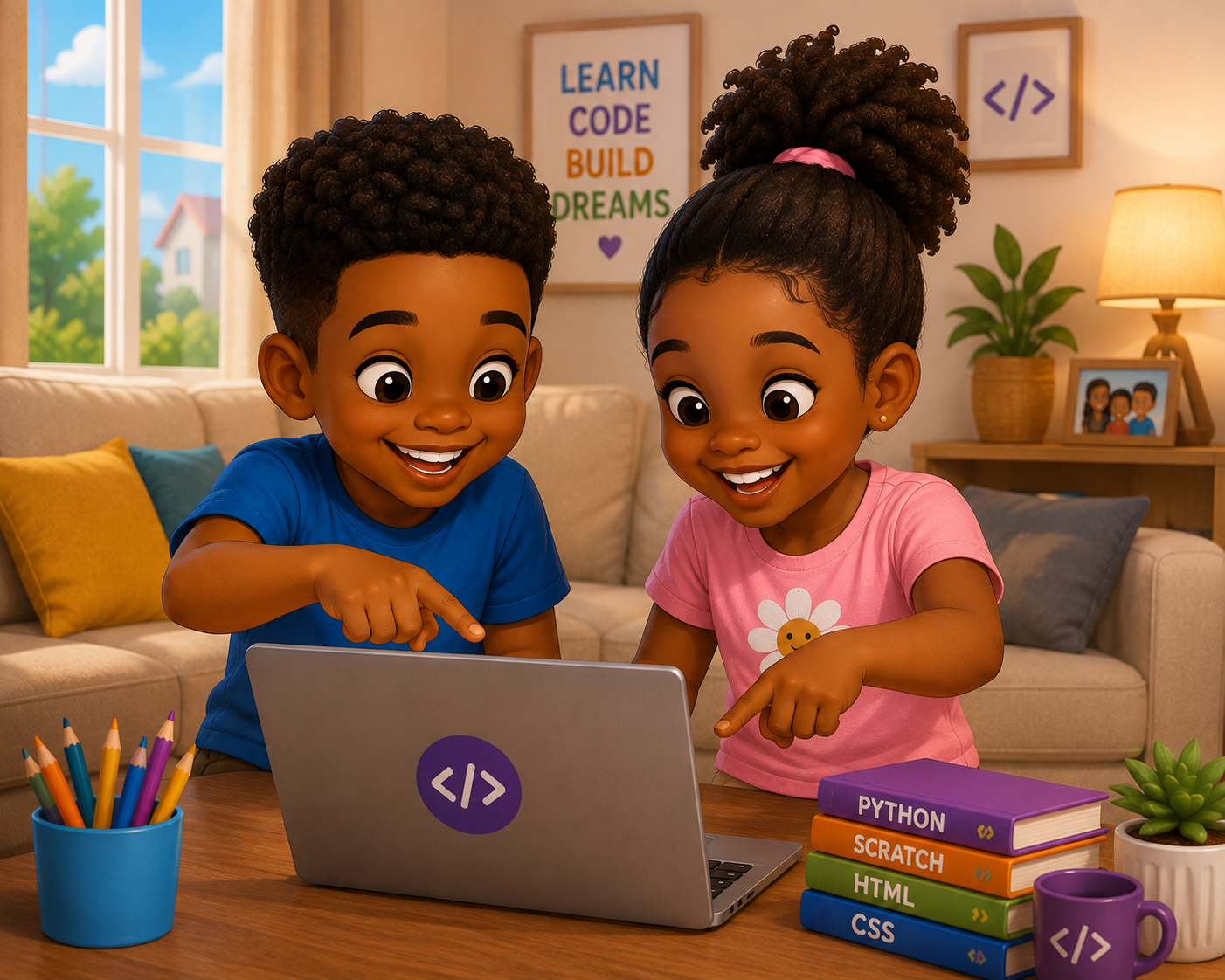
Simple, transparent monthly pricing — pick the format that fits your child best.
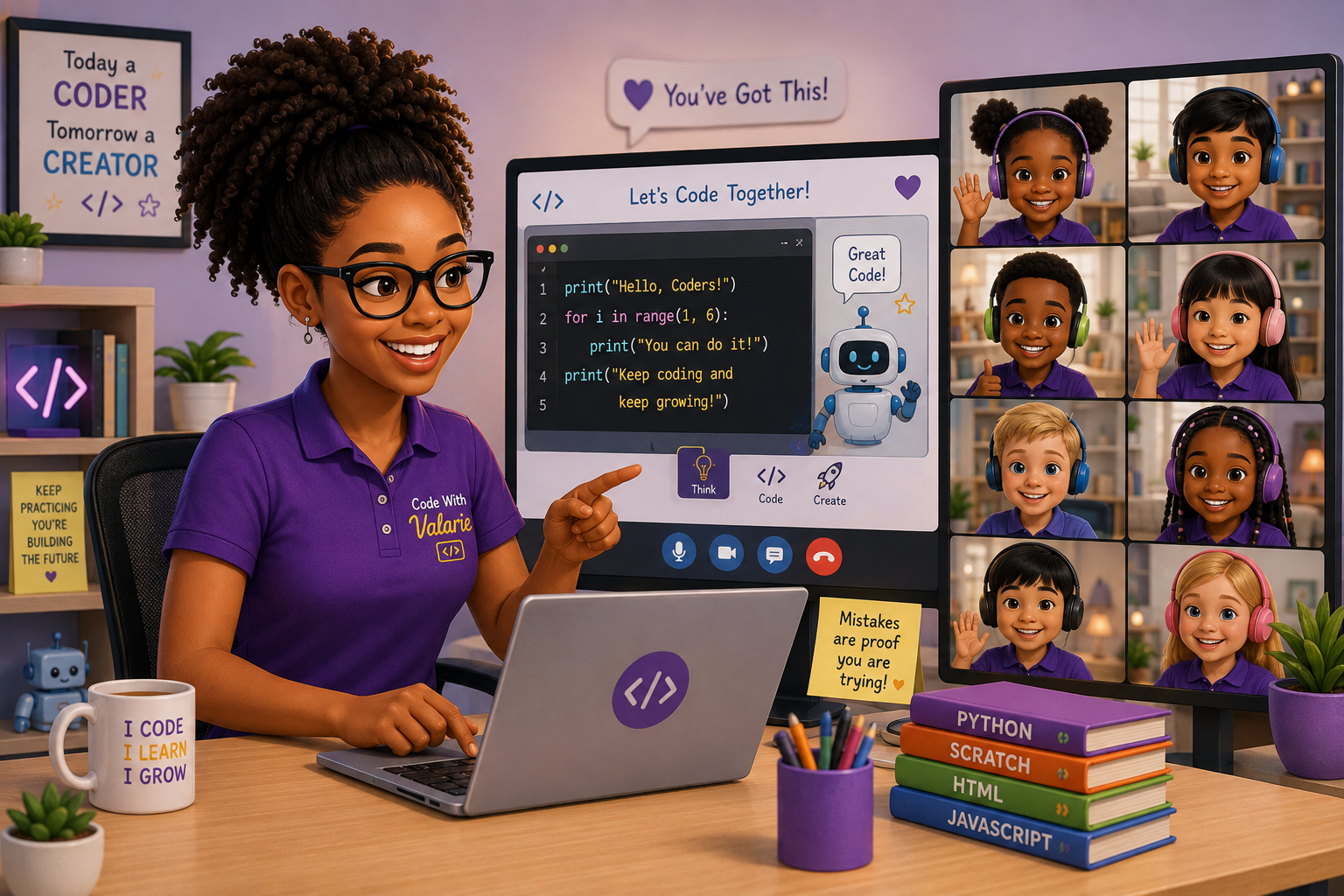 Code Squad
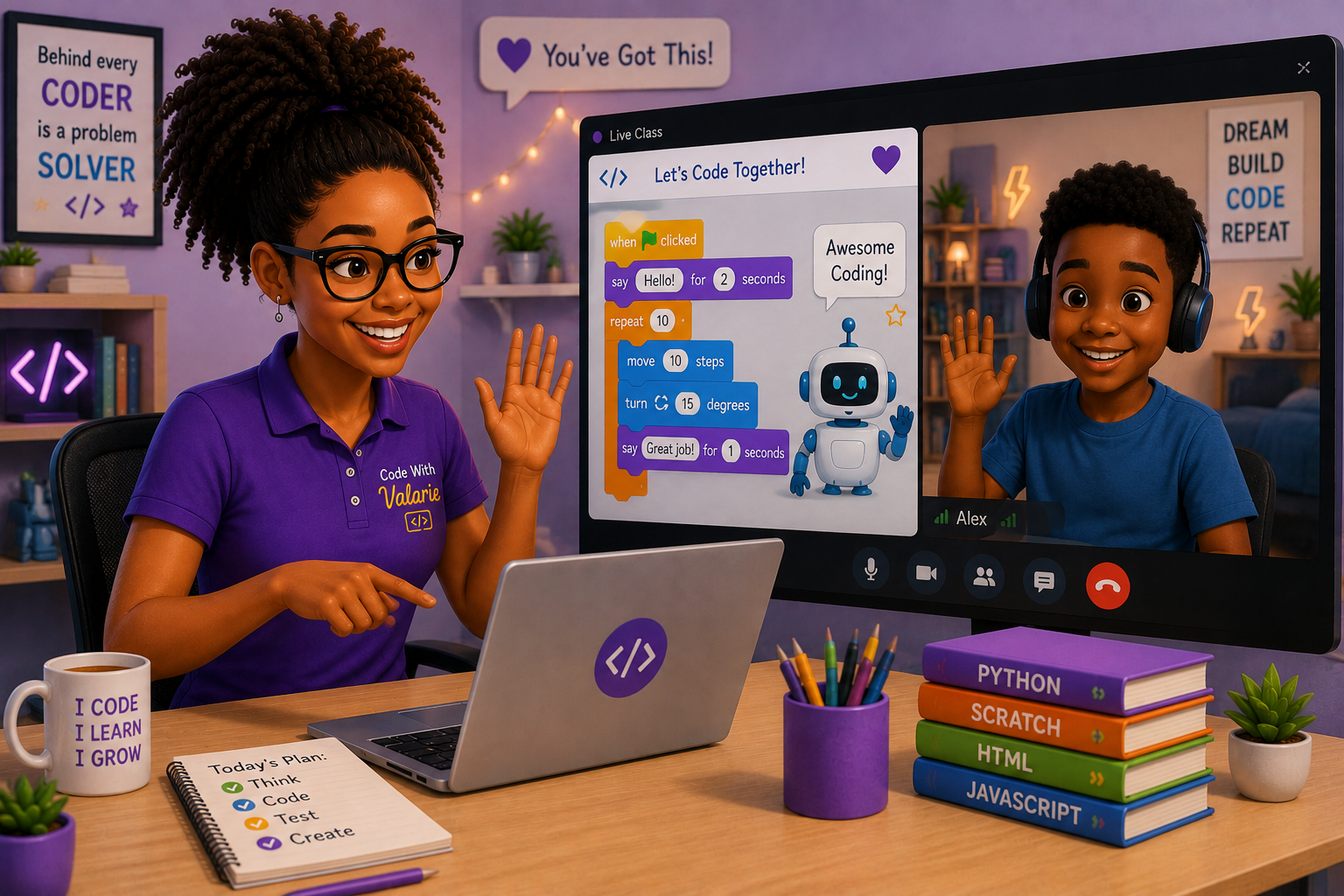 Private Lessons
Getting started is simple — no complicated sign-up forms or lengthy processes. Just give me a call and we'll have a quick chat. I'll take a few details about you and your child — things like their age, interests, and any experience they may already have with computers. This helps me understand where they're starting from so I can tailor the experience to suit them from day one.
Once we're all set, classes take place over Google Meet, so your child can learn from the comfort of home. All they need is a laptop and a stable internet connection — and of course, a little enthusiasm!
From there, we get straight into learning. No pressure, no overwhelm — just fun, guided lessons at a pace that works for your child.