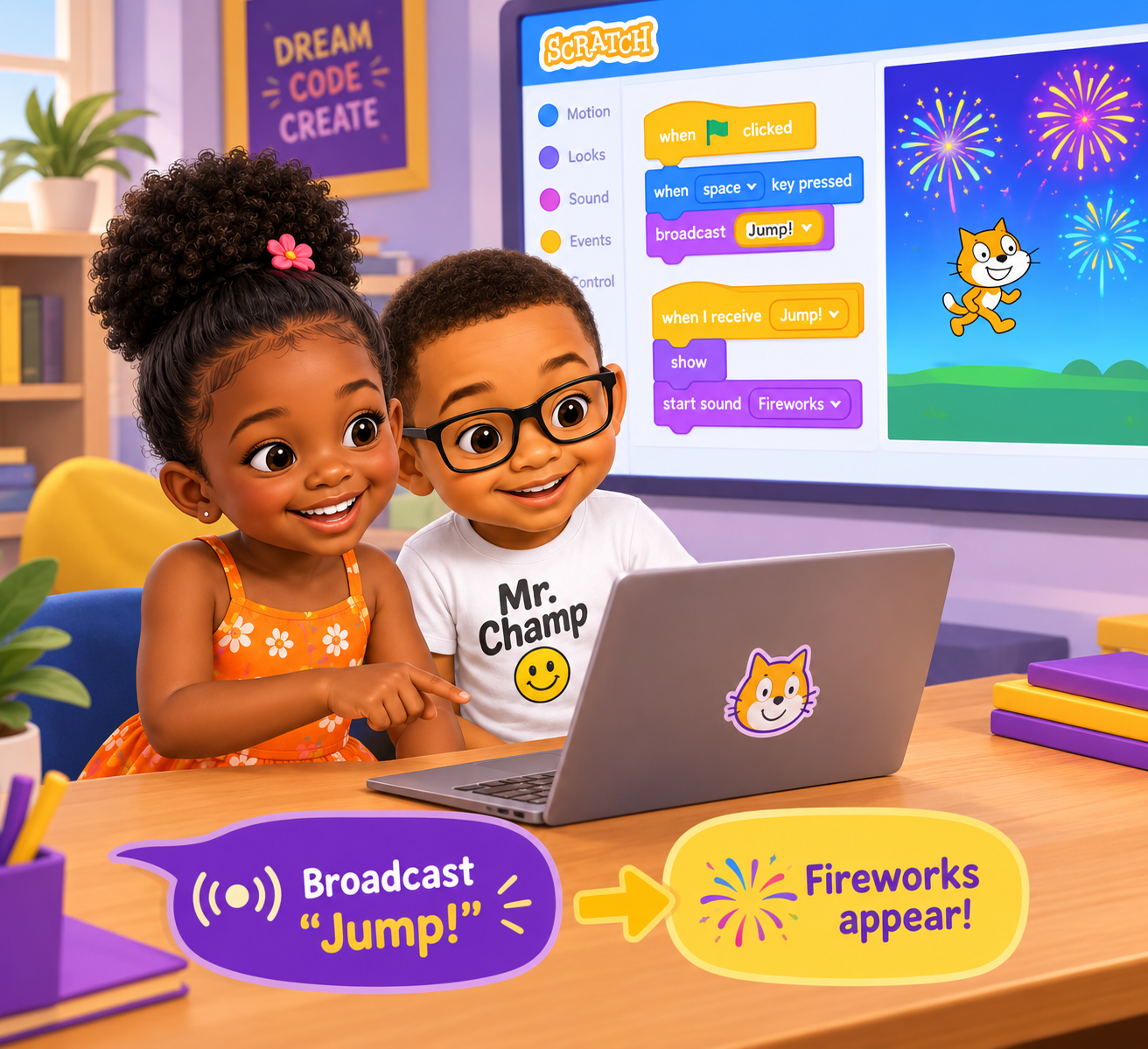
Maya was making a game in Scratch where a cat jumps when you press the space bar. Robbie wanted to add surprise fireworks that appear whenever the cat jumps. But how could the fireworks know when to show up? 🤔
That's when they learned about broadcasting!
📢 What is broadcasting?
Broadcasting in Scratch is like sending a message across the stage. When one sprite shouts a message, other sprites can listen and react.
Maya pressed the space bar, and her cat sprite shouted:
Robbie's fireworks sprite heard the message and Boom! Fireworks time! 💥✨
🤝 Pass the message!
So broadcasting is just like kids playing a game of "pass the message." One friend says something, and the others know exactly what to do.
✨ Quick Tip for Kids
In Scratch, you can use the "broadcast" block to send a message, and the "when I receive" block to make sprites respond. It's teamwork for your sprites!